Meeting Room Occupancy Analytics
Computer vision that turns meeting room camera feeds into occupancy data and real usage-based costing
About this project
Co-working spaces need to know how meeting rooms are actually being used, not just booked a room reserved for two hours but used for twenty minutes is a very different cost story than one used end to end. We built a computer vision system that streams meeting room camera feeds through Python and analyzes them with OpenCV to detect whether people are present, sitting, or standing in a room, and for how long. Each detected person is tracked across frames to build an accurate dwell-time record per room, which feeds directly into a costing engine so instead of billing or reporting on room bookings, the space can report on room usage as it actually happened. This is a representative build from our AI and computer vision practice, and the visuals here are illustrative concepts and synthetic dashboard data built to explain the system, not footage or data from a live deployment.
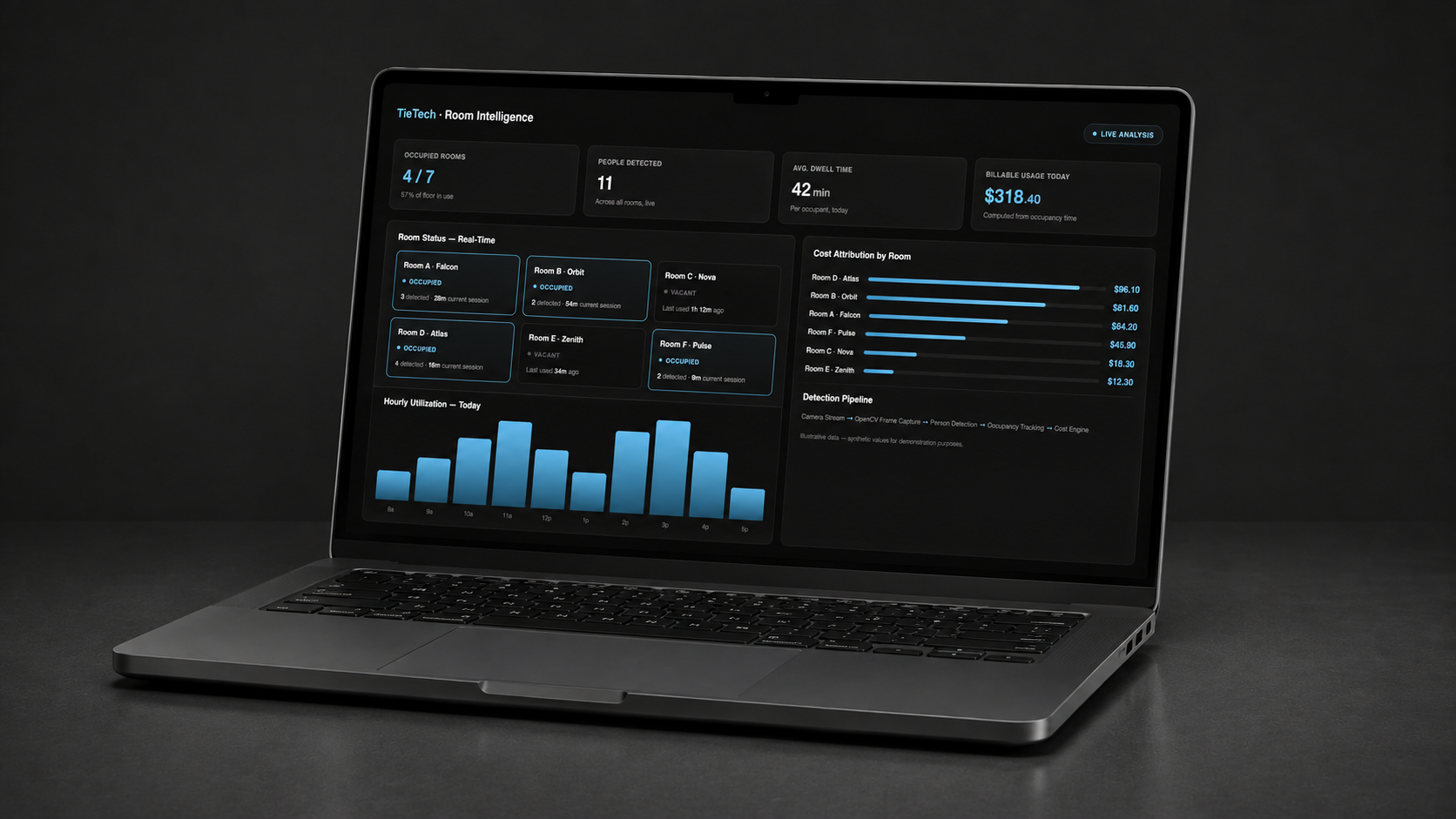
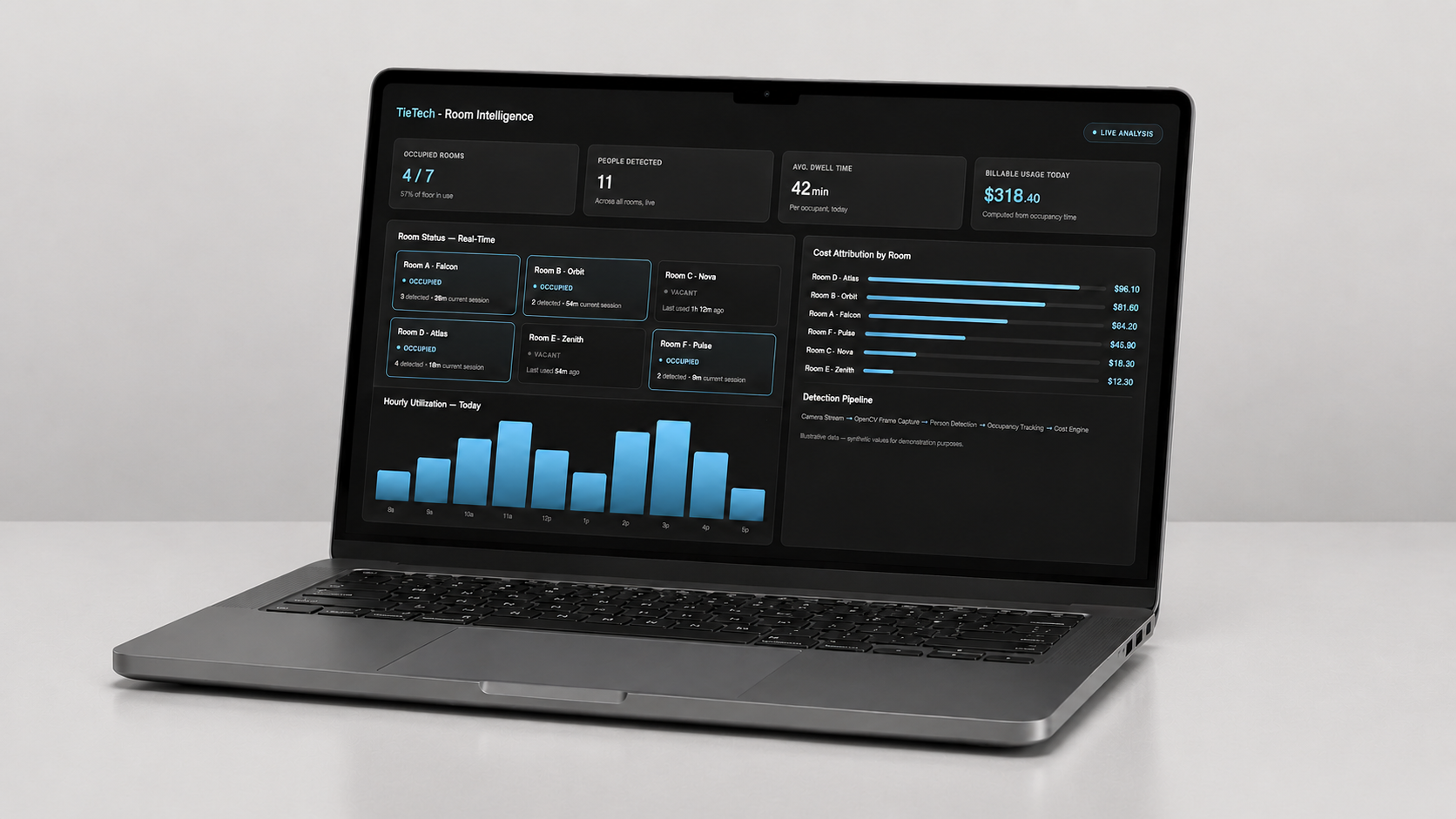
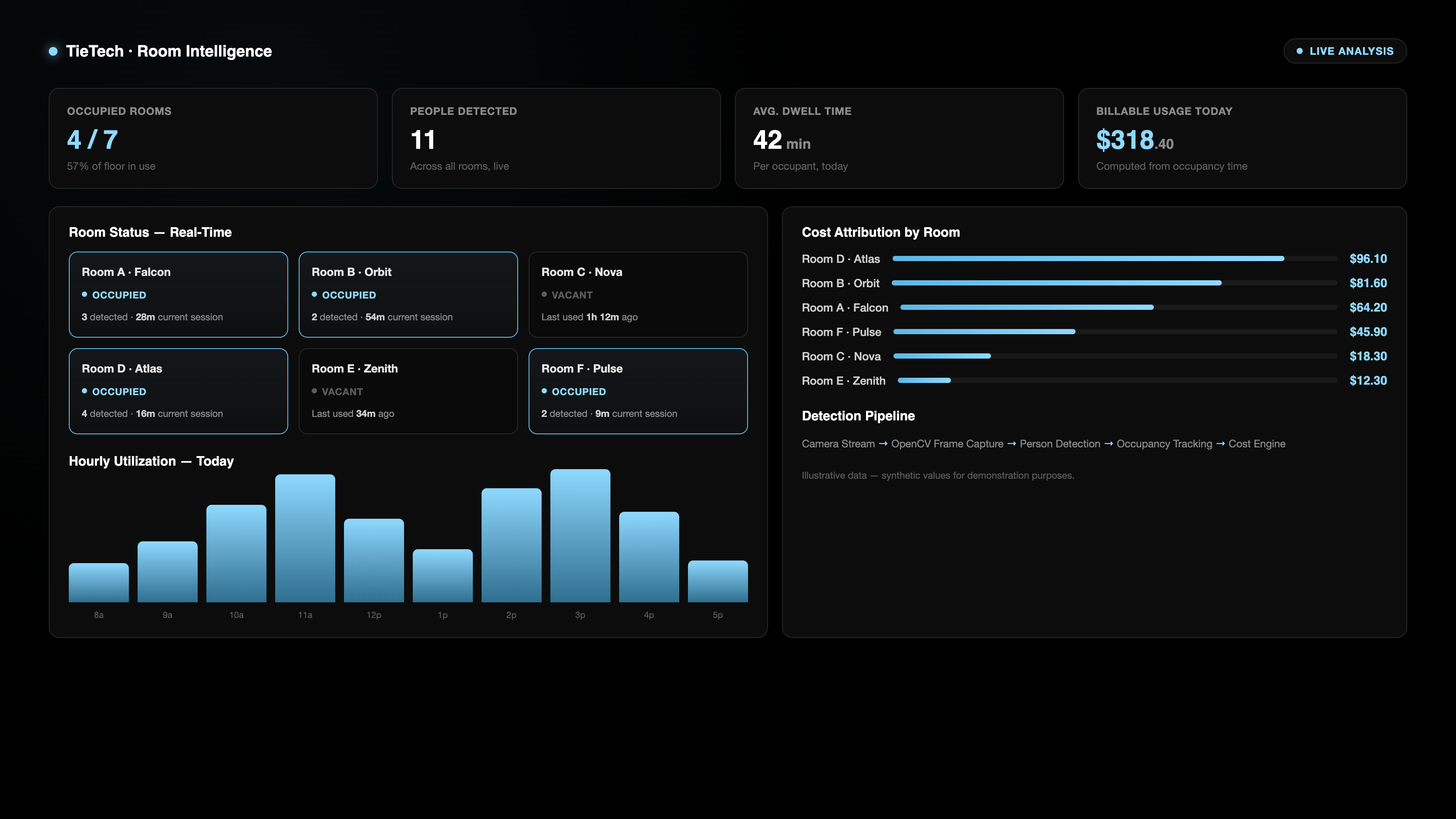
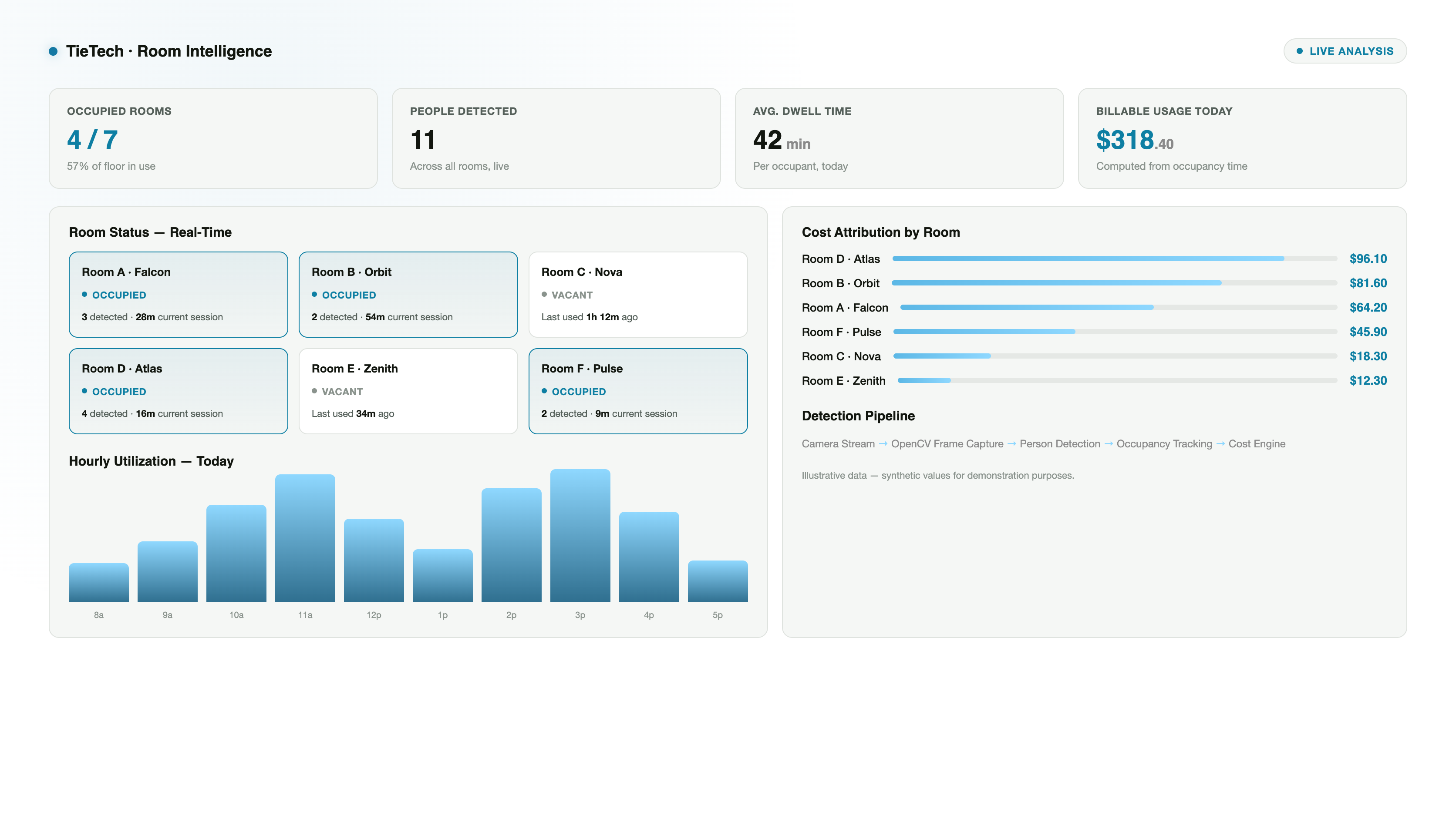
Room Usage & Cost Attribution, Live
A real-time view of every meeting room on the floor: who's in which room, how long they've been there, and what that session costs so far. Hourly utilization and per-room cost attribution turn raw detection data into numbers a co-working operator can actually bill and plan around.
- Live occupancy status across every tracked room
- Per-person dwell time, tracked from entry to exit
- Hourly utilization chart showing peak vs. quiet periods
- Cost attribution per room, computed directly from occupancy time
From Camera Frame to Tracked Occupant
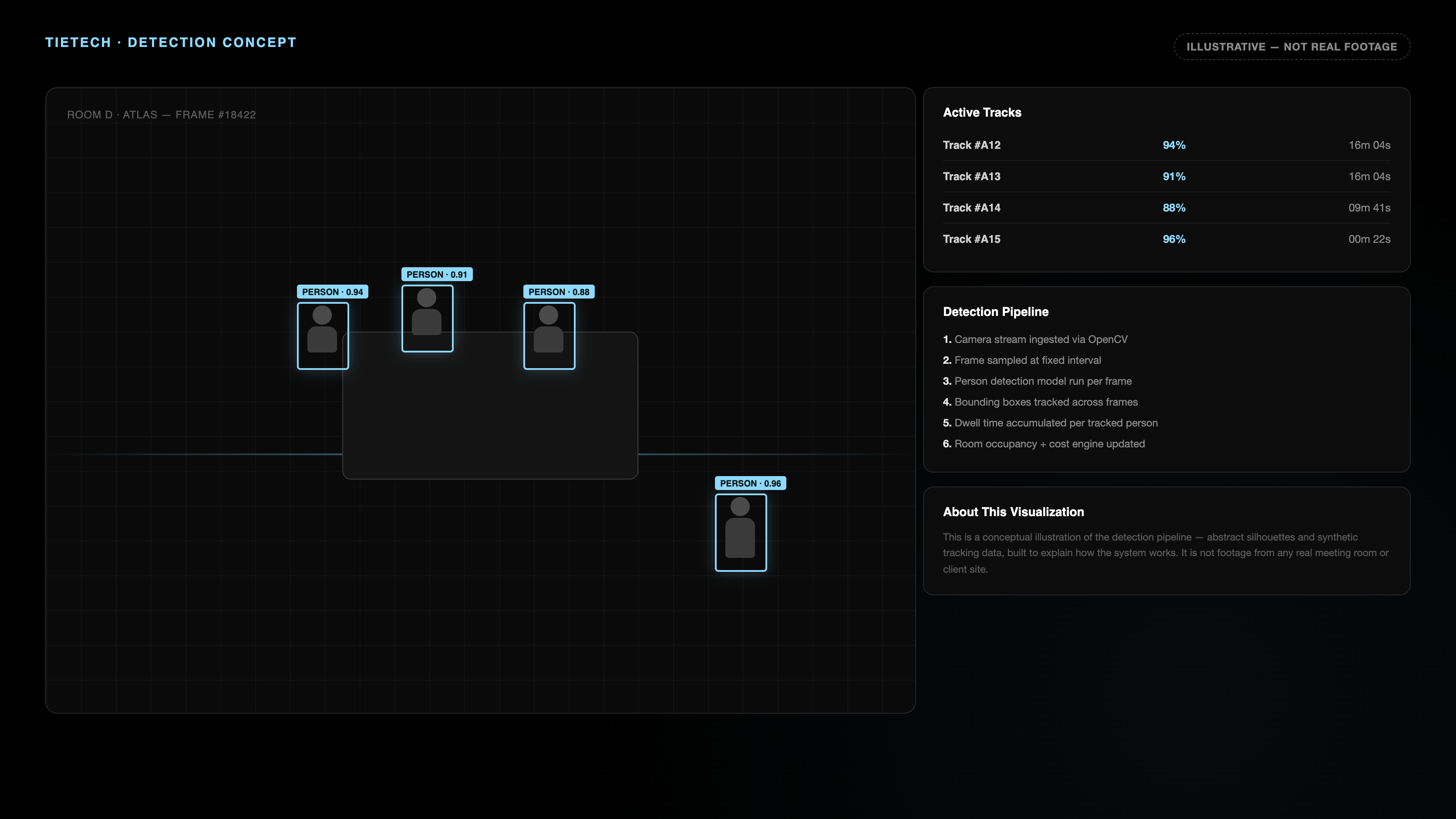
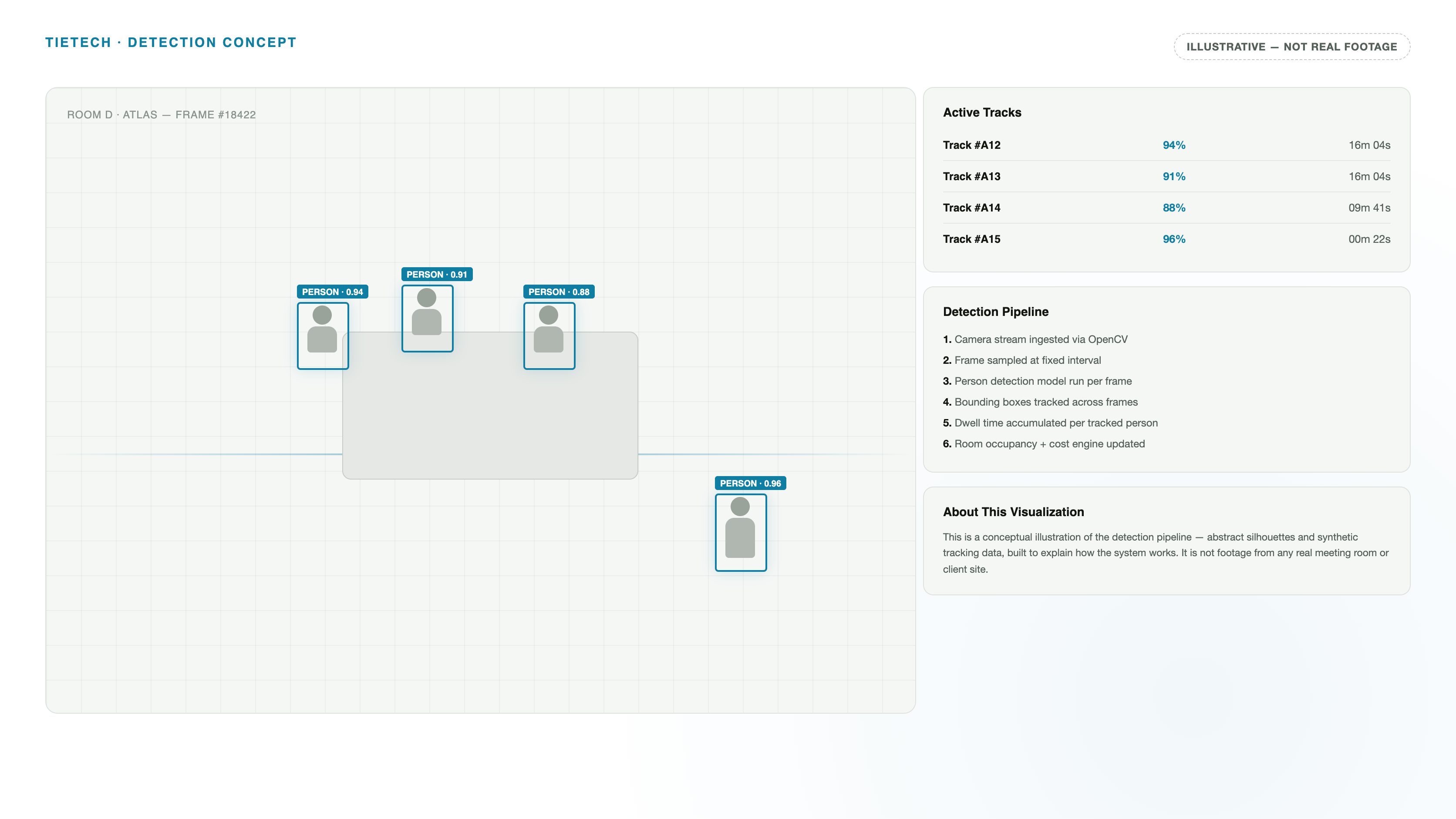
The pipeline behind the dashboard: frames are pulled from the camera stream, a person-detection model draws a bounding box around anyone in frame, and each detected person is tracked across subsequent frames to accumulate a dwell-time record the same underlying signal that feeds the cost engine.
- Camera stream ingested and sampled via Python and OpenCV
- Bounding-box person detection run per sampled frame
- Detections tracked across frames to persist identity over time
- Accumulated dwell time per tracked person feeds the costing model
Detection & Tracking, Visualized
An animated walkthrough of the same detection concept bounding boxes appearing as people are identified in frame, each tagged with a confidence score, feeding the live occupancy stats underneath.
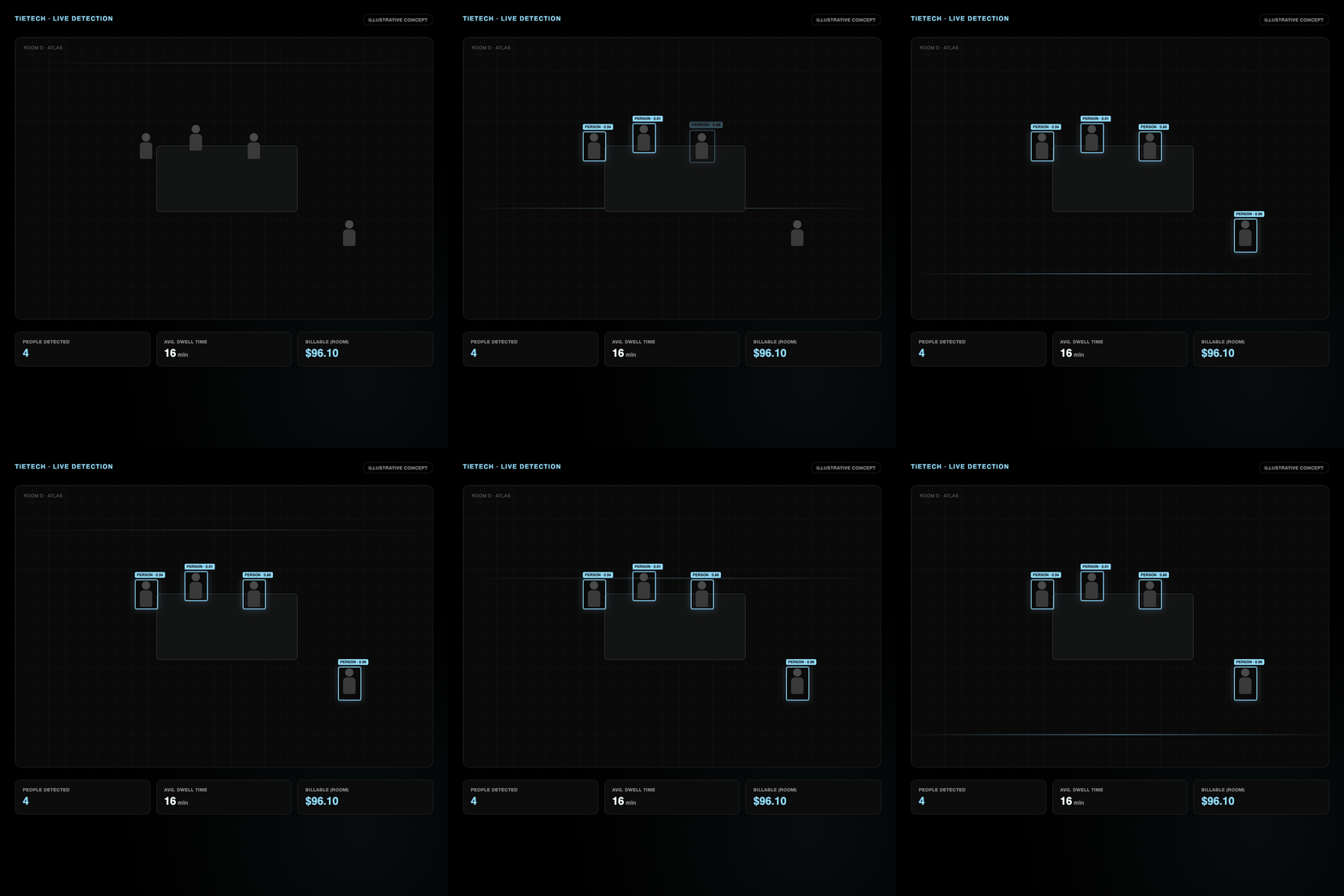
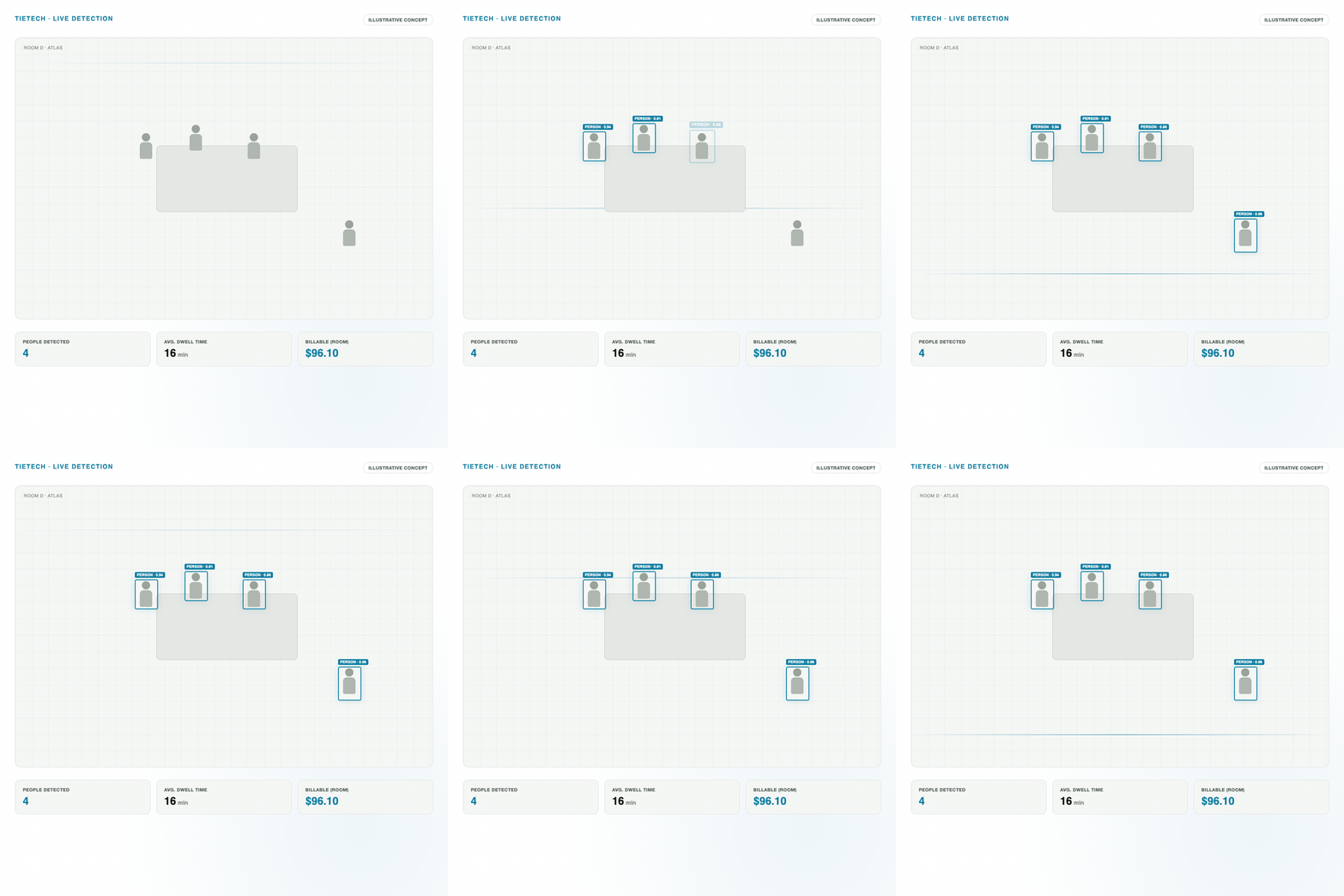
The dashboard and detection visuals for this project are illustrative concepts built with synthetic data they are not footage or data from a real meeting room or client deployment.